Ask an AI assistant
Everything in the UI is also available to Claude, ChatGPT, GitHub Copilot, Cursor and any other client that speaks the Model Context Protocol (MCP). Five minutes to the first answer.
1. Mint a personal access token
Profile → API keys → New key. Copy the dq_live_… token now; it is shown once. The token
acts as you — the same workspace role and the same per-suite view / edit grants — so an
assistant can never see or change more than you can.
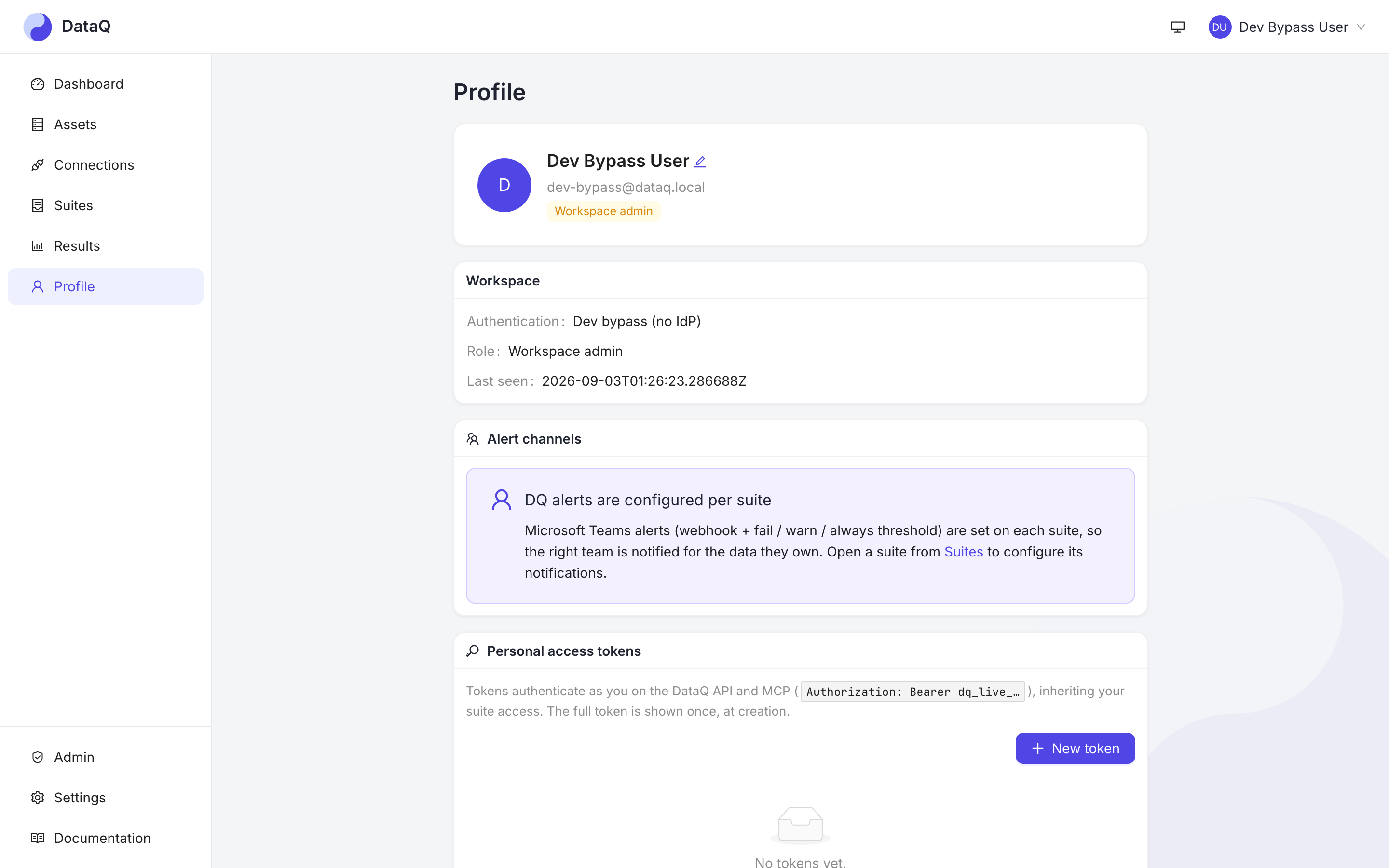
Tokens are listed by prefix only; revoke one here and it stops working on its next call.
2. Point your client at /mcp
The server lives at https://<your-dataq-host>/mcp/ (trailing slash) and authenticates with
the token as a bearer. Copy-paste configuration for Claude Desktop, Claude.ai, VS Code /
Copilot and Cursor is in AI assistants (MCP).
3. Ask
Try the four questions the tools were designed around:
- "Which suites failed in the last 24 hours, and why?"
- "Is the
orderstable healthy? What feeds it?" - "Add a not-null check on
customer_idto the orders suite and dry-run it." - "Why did I not get an alert for last night's failure?"
Every tool states what it cannot see — a mid-run suite is reported as not final, an expired snooze as expired, a truncated list as truncated — because an assistant has no "running" badge to glance at. That design is documented in MCP tool design, and the full list of the 59 tools with who can call them is the MCP tools reference.
Ask about the docs, too
Every page on this site has Ask AI at the top: it opens your own assistant with a link to
the page (and, for Claude and GitHub Copilot, to its plain Markdown copy), and the same
pages are available to assistants through the get_doc tool.